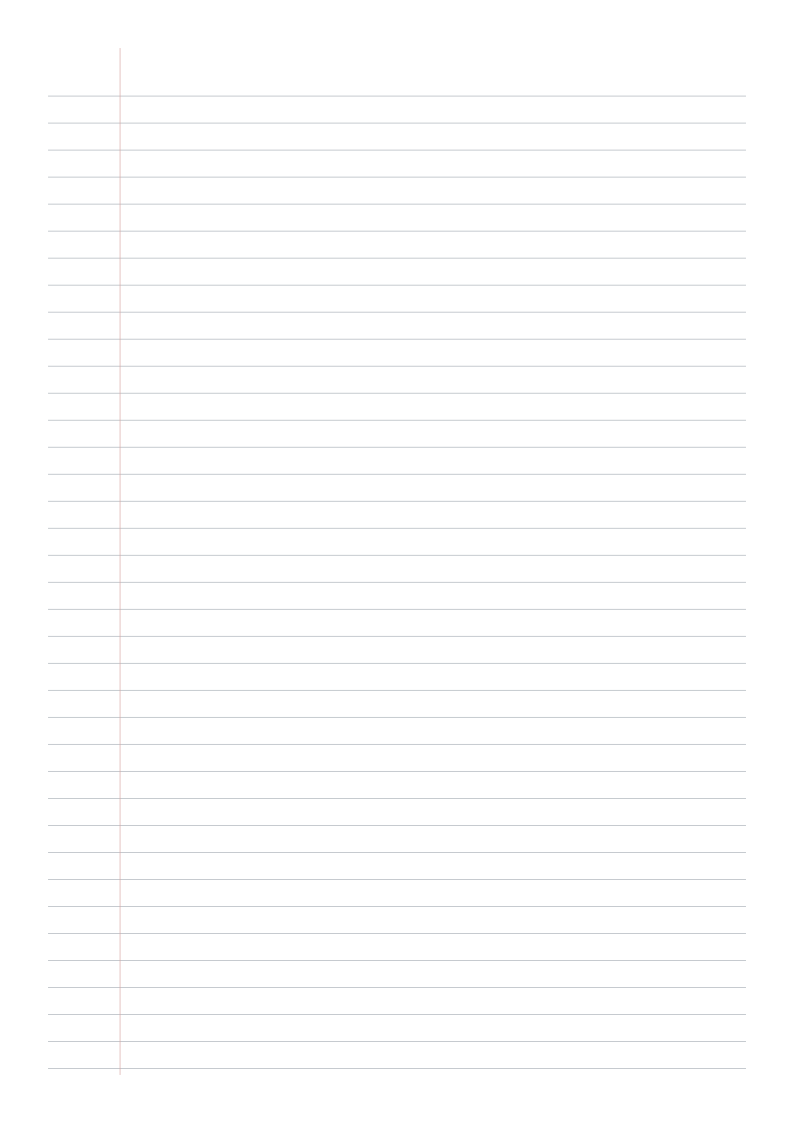
College ruled
37 lines on A4
 printable lined paper.PT-BR
Your A4 sheet is ready to customize. Choose line spacing, preview your paper, and download a PDF.
A4 8 mm, college, wide and narrow ruled sheets come with a left margin. Download a PDF or customize the spacing and color above.
Add a print-check ruler in the generator: 2 in on Letter or 5 cm on A4. Page printing smaller? Follow the print-size steps.37 lines on A4
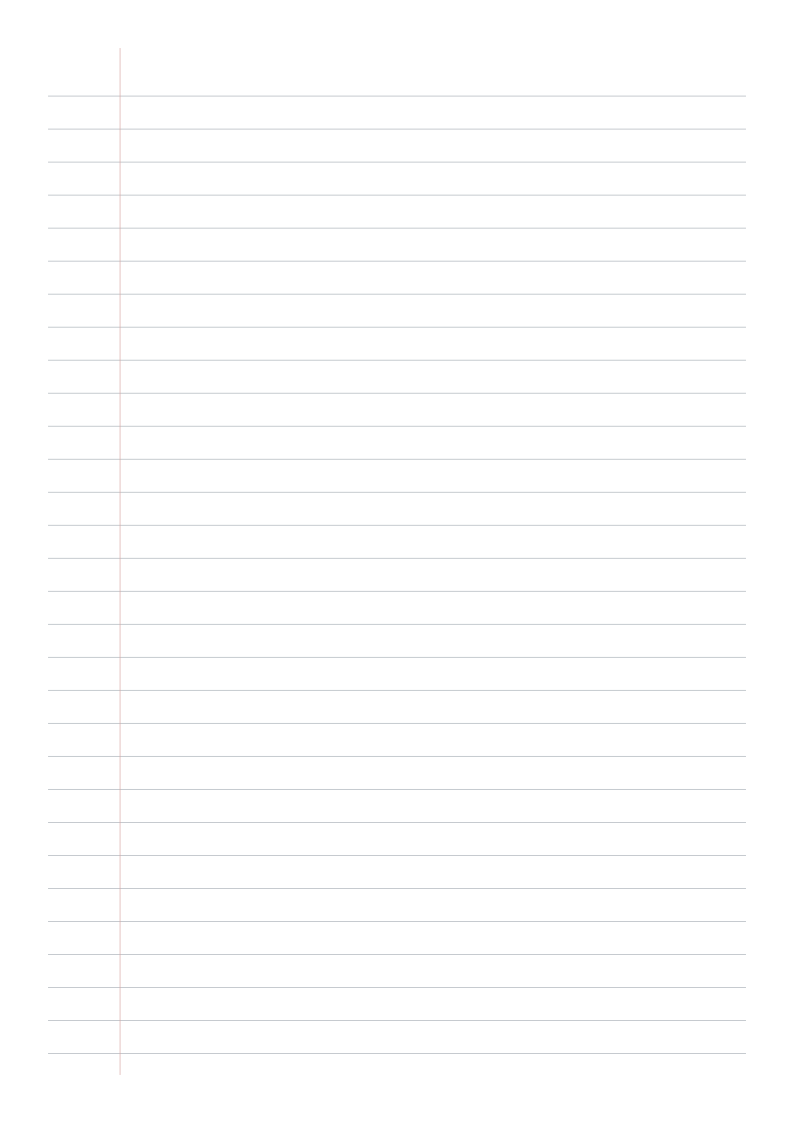
30 lines on A4
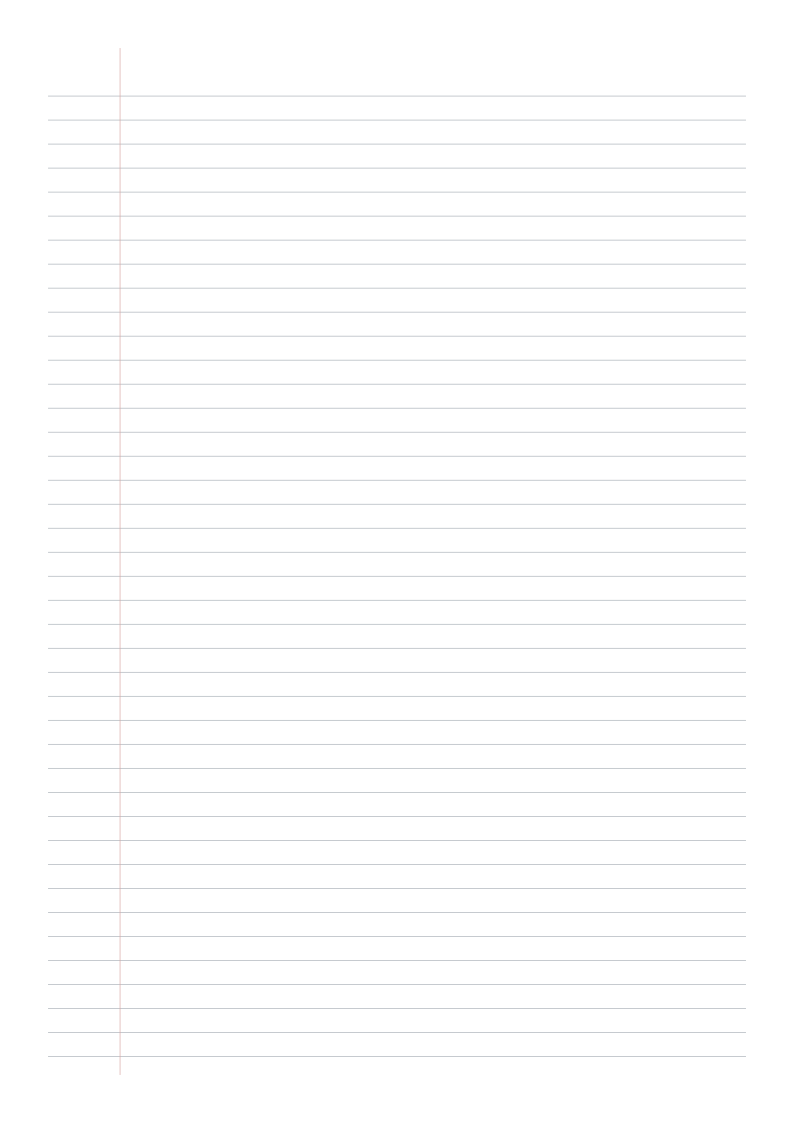
41 lines on A4
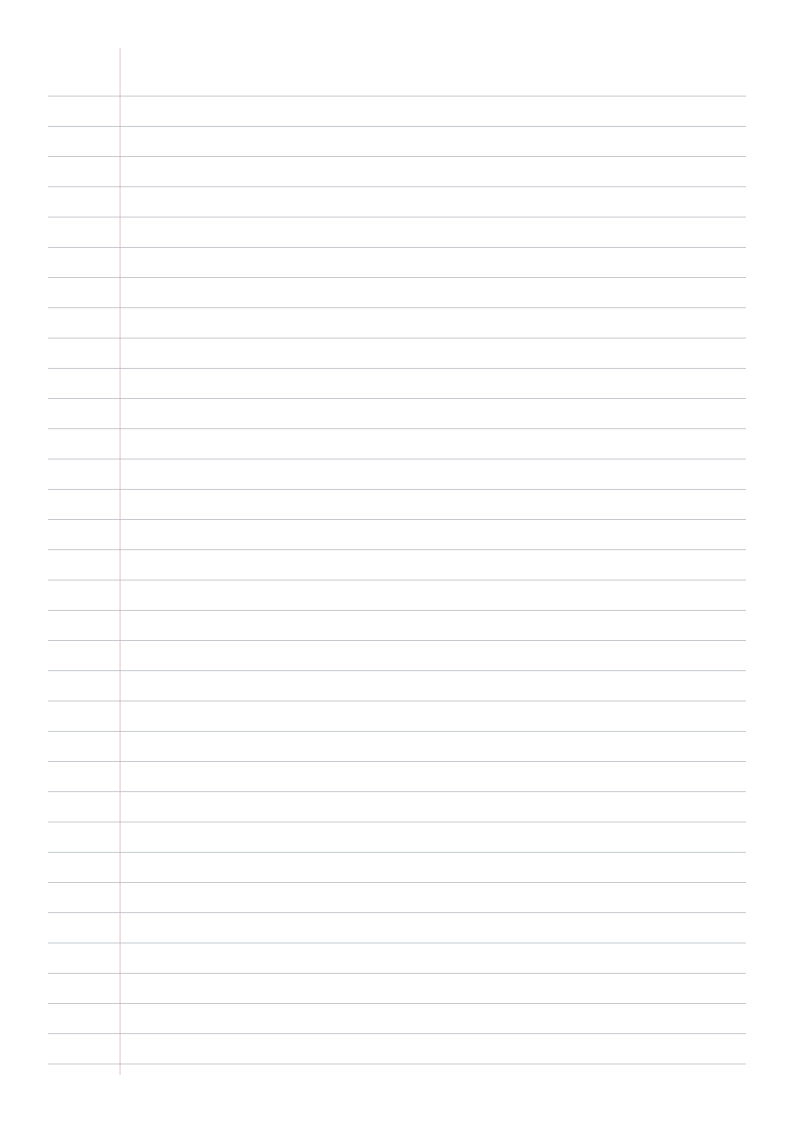
33 lines on A4
| Ruling | Spacing | Lines per page | Suits |
|---|---|---|---|
| College ruled | 9/32″ · 7.144 mm | 37 A4 | Middle school to college, everyday notes |
| Wide ruled | 11/32″ · 8.731 mm | 30 A4 | Elementary grades and larger handwriting |
| Narrow ruled | 1/4″ · 6.35 mm | 41 A4 | Small handwriting, dense notes and planners |
| 8 mm | 8 mm | 33 A4 | Exercise-book notes with a left margin |
A4 paper measures 210 × 297 mm. With this generator’s default margins in portrait orientation, college ruling (9/32 inch, about 7.1 mm) gives 37 lines, wide ruling (11/32 inch, about 8.7 mm) gives 30, and narrow ruling (1/4 inch, 6.35 mm) gives 41.
A4 is 5.9 mm narrower and 17.6 mm taller than US Letter (215.9 × 279.4 mm), so it holds more lines at the same spacing.
A4 is the ISO 216 paper size used for school and office printing in most countries outside the US and Canada. Pick it here and the PDF matches the paper already in your printer tray.
For 8 mm feint ruling with a left margin, download the A4 8 mm PDF or click Customize 8 mm beside it. The sheet has 33 lines. Custom spacing of 6 mm gives 44 lines, and 10 mm gives 26.
Turn the sheet to Landscape for wide tables, lists, and lesson plans: college ruling gives 25 lines across the long edge, wide ruling gives 20, and narrow ruling gives 28. For a half-size notebook insert, switch Paper size to A5 (148 × 210 mm), which holds 25 college ruled lines.
Under More options you can move the margin line to both sides or remove it, change the line weight, and set the PDF to 1–100 pages, so a whole pad of matching A4 sheets comes out of one download. Soft gray lines stay quiet under ink, light blue looks like a classic notebook, and black gives the strongest lines.
A4 measures 210 × 297 mm; Letter measures 215.9 × 279.4 mm. A4 fits more writing lines at the same spacing because it is taller. These counts use portrait pages. Custom rows use the millimeter value entered in the generator.
| Ruling | Line spacing | Letter lines | A4 lines |
|---|---|---|---|
| College | 7.144 mm | 34 | 37 |
| Wide (11/32″) | 8.731 mm | 28 | 30 |
| Wide (3/8″) | 9.525 mm | 26 | 28 |
| Narrow | 6.35 mm | 39 | 41 |
| Custom | 6 mm | 41 | 44 |
| Custom | 8 mm | 31 | 33 |
| Custom | 10 mm | 25 | 26 |
| Custom | 14 mm | 18 | 19 |
Use the A4 8 mm PDF for exercise-book-style notes, college ruling for denser notes, and wider spacing for larger letters.
| Page purpose | Setting | Result |
|---|---|---|
| Exercise-book notes | 8 mm PDF or Customize 8 mm | 33 lines with a left margin. |
| Lecture or meeting notes | College | More lines for detailed notes on each A4 sheet. |
| Large handwriting | Wide or Custom 10 mm | Extra height for each line of text. |
| Wide lists and planning tables | Landscape | Longer horizontal lines across the wide side of A4. |
The print-check ruler is 2 inches long on Letter and 5 cm on A4; a shorter printed ruler shows that the page was scaled down.
Scaling in the PDF viewer or printer driver reduces both the ruling and the ruler.
The portrait A4 PDF measures 210 × 297 mm. The generator starts with A4 selected.
With the default portrait layout, college ruling gives 37 lines, wide ruling (11/32 inch) gives 30, and narrow ruling gives 41. The wider 3/8 inch ruling gives 28 lines.
The Ready to print section above has A4 8 mm, college, wide, and narrow ruled PDFs. Each is one portrait page with a left margin line.
Download the A4 8 mm PDF above, or click Customize 8 mm to open the generator with that spacing. Both give 33 lines and a left margin.
Yes. Set Orientation to Landscape. College ruling gives 25 lines on a landscape A4 sheet, wide ruling gives 20, and narrow ruling gives 28.
Yes. Under More options, set PDF pages to any number from 1 to 100. Every page uses the same A4 ruling.